Palette panel
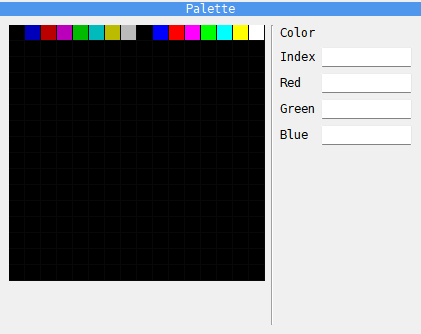
The Palette panel shows the machine’s palette as it is now: 256 squares, 16 to a row. Click a square to see its Index (0 to 255), its Red, Green and Blue levels (0 to 255 each) and the Color itself. The panel only shows the colors; it cannot change them.
A plain ZX uses the first 16 squares. With ULA+ in use, the first 64 are the colors the program set. The ATM Turbo 2+ and the Profi v5 set their colors through ports, and the colors a program sets show here as it sets them.
On a ZX Evolution this panel is not there: the Palette tab of the ZX Evo panel shows the colors instead (see The Palette tab).
Use it to check the colors a program has set, for example after a fade to black.